


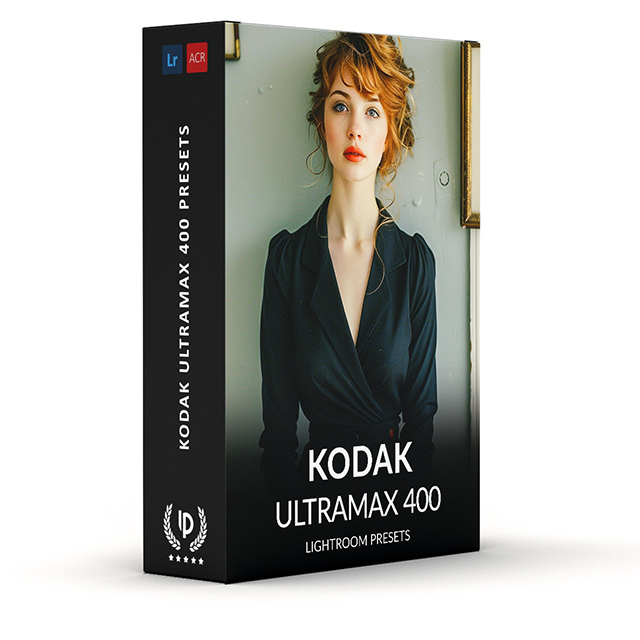


Kodak UltraMax 400 Presets
$34.90
Transform your photos with Kodak UltraMax 400 Presets for Lightroom. Whether you’re a beginner or pro, elevate your photography effortlessly, saving hours of editing time.
Get yours now and create stunning images that captivate—download today!
✓ 8 Kodak UltraMax 400 Presets
✓ 20 Clean Edit Presets
✓ Professional Look with 1-Click
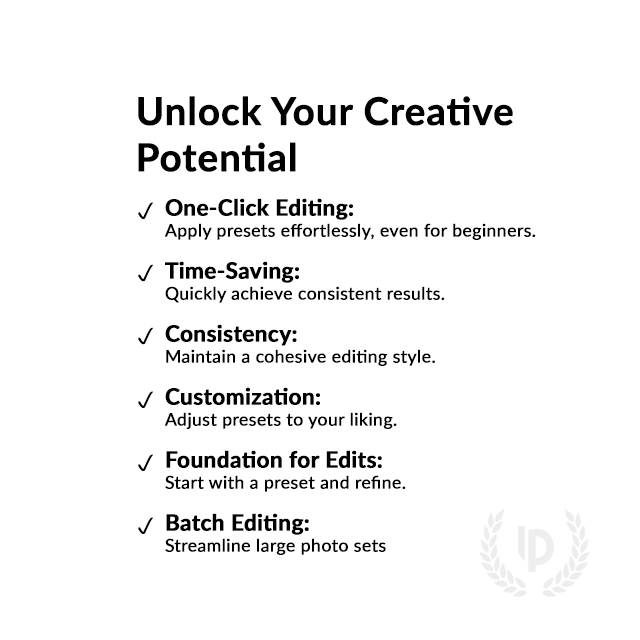
✓ Easy to use – Beginner-friendly
✓ Create your own Signature Style
✓ Instant Digital Download
 For Desktop & Mobile
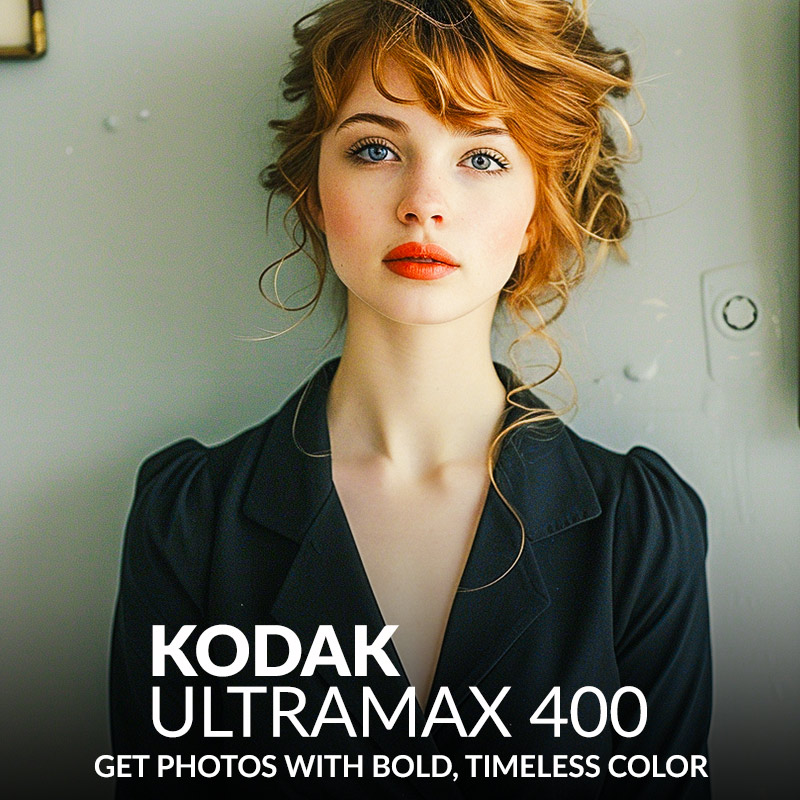
Get photos with bold, timeless color
“These presets make my photos look amazing with minimal effort. Love the vibrant colors!”. – David, Graphic Designer
Perfect Analog Look: UltraMax 400 Presets
Remember the warm, nostalgic feeling of Kodak film photos? Bring that magic back to your digital workflow! The Kodak UltraMax 400 Presets let you capture the timeless essence of film in every shot.
Bring that nostalgic feeling to your digital workflow.
What's Included:
What’s Included
» 8 Kodak UltraMax 400 Presets
» 20 Clean Edit Presets
» 1x Instruction Guide (PDF)
» File formats: XMP, DNG
» 8 DNG Files
» Free Upgrades
Clean Edit Presets
Use the Clean Edit Presets to make basic adjustments and set the foundation for your image. They also speed-up your workflow and offer you endless style combinations.
 You receive this presets as digital download
immediately after purchase.
Compatible with:

Desktop
» Adobe® Lightroom® 7.5 or later
» Adobe® Camera Raw 10.5 or later
Mobile
» Adobe® Lightroom Mobile
» Android & iPhone
Get 8 Kodak UltraMax 400
Film Simulation Presets

Color Plus 200 base

UltraMax 400 vivid

UltraMax 400 cool

UltraMax 400 warm

UltraMax 400 pulled

UltraMax 400 pushed

UltraMax 400 flat

UltraMax 400 balance
















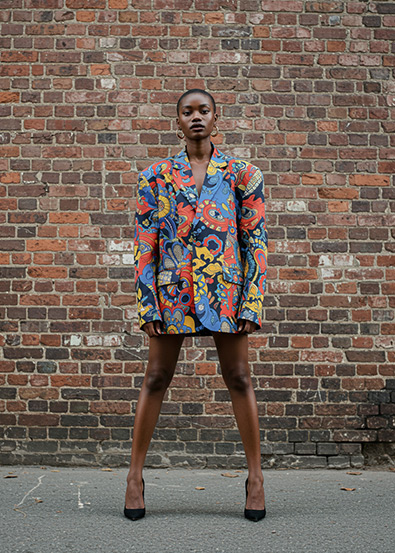
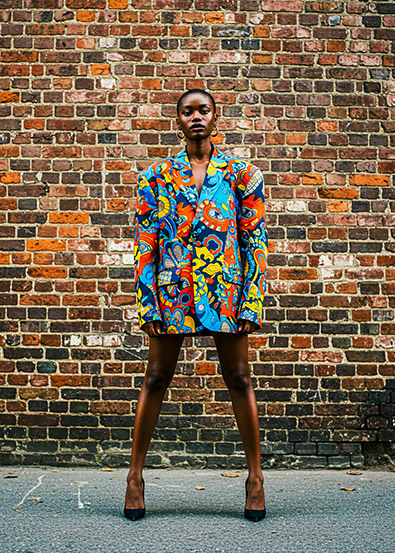
Love the Kodak film look? Browse our complete film preset collection and explore the full Kodak Lightroom Presets range.

Professional Kodak UltraMax 400 Film Simulation Presets.
Image: Kodak
Why was the Kodak UltraMax 400 Film Popular?
Kodak UltraMax 400 film became super popular among photographers because it’s just so dang versatile and reliable. It’s the go-to choice for both pros and hobbyists because it captures colors and details that look true-to-life.
You can shoot with this bad boy in all sorts of lighting conditions, from sunny outdoor scenes to tricky indoor setups, thanks to its wide exposure latitude. And don’t even get me started on its fine grain structure, which guarantees smooth and clear images, even when you’re blowing up those prints.
Plus, the best part? UltraMax 400 won’t break the bank, so photographers of all levels can get their hands on it. No wonder it’s got such a huge fan base!
Specs & Facts:
- ISO 400 film speed for versatile shooting in different lighting conditions
- Excellent color reproduction for true-to-life results
- Fine grain structure for sharp and detailed images
- Wide exposure latitude for consistent performance in varying environments
- Widely used in various photographic genres, from portraiture to landscape
- Affordable price point, making it accessible to photographers of all levels
- This film has been discontinued
Do you have Tips for the Presets?
Tips & Tricks for UltraMax 400 Presets
- Experiment with different presets to find the perfect look for your
- Use the presets as a starting point and fine-tune the settings to your liking
- Apply the presets to both portraits and landscapes for consistent results
- Combine multiple presets for a more dramatic effect
- Use the presets in various lighting conditions for versatile results
- Adjust the white balance and exposure to achieve the desired look
- Have fun and be creative with your photo editing process!
How to Download & Install the Presets?
As soon as your payment went through, you receive the download link direct by email.
Just follow the easy instructions at How to install Lightroom Presets and start using them on your desktop or mobile device.
How to use Lightroom Presets?
- The Kodak UltraMax 400 Filters for Lightroom are crafted by professionals to enhance the visual look of photos. These Kodak presets are designed to complement a wide range of images, ensuring consistent results.
- The Presets are available for the the Desktop and Mobile App versions of Lightroom. The mobile app for Android and iPhone offers you nearly the same features like the desktop version to edit and transform your photos on the go.
- You can capture your photos using a DSLR, mirrorless camera, point & shoot camera, or even your smartphone. Import the image into Lightroom and apply the desired preset. This straightforward process allows you to achieve professional results with just a few clicks.
- Please note that the final outcome of a preset can vary depending on the characteristics of the original photograph, such as white balance, exposure, tones, and settings.
- After applying a preset, you can start to make manual adjustments to fine-tune the image to your liking. Lightroom offers a large set of sliders and tools, allowing you to tweak many aspects of the image until you achieve the desired outcome.
- In some instances, a preset may alter the skin tone of persons captured in the photograph. In this cases, utilize Lightroom’s powerful color adjustment tools to refine the skin tone until it appears natural and flattering.
- For optimal results, it’s recommended to use presets on well-exposed, high-quality RAW & JPG photographs. Images that are overexposed, underexposed, or of poor quality may yield unsatisfactory results when presets are applied.
How to use the Clean Edit Presets?
With our Clean Edit Presets you can set the perfect foundation of your image by adjusting for example white balance, exposure, whites, tones, etc. Each clean edit preset changes only one value, without overwriting other adjustments and values.
Can the Presets used in Photoshop?
You can use the Presets in XMP format also in Adobe Photoshop
Installing Presets in Adobe Camera Raw (ACR) 10.3+ (Windows & Mac)
- Open your image in Adobe Photoshop.
- At the top menue click on Filter and select “Camera Raw Filter”.
- On the right you see the word “Basic” click the small burger next to it. Then, click “Load Settings”.
- Choose the .xmp file(s) from downloaded and unzipped folder. Then click on “Load” button.
- To apply a preset, click on OK button.
How about License/Terms?
License Terms
The Presets are licensed for individual use only. Resale or redistribution is strictly prohibited. This non-transferable license is limited to the original purchaser and does not extend to companies or partnerships.
No Refunds
All sales of these digital products are final with no refunds, returns, or exchanges permitted due to their downloadable nature.
By purchasing, you agree to these terms.
Customers who viewed this preset also viewed:
Kodak Max 400
Kodak Porta 400
Kodak Gold 400
Kodak Royal Gold 400
Kodak Color Plus 400
Fujifilm Superia X-Tra 400
Kodak Porta 800
Only logged in customers who have purchased this product may leave a review.
Related products


$34.90


$34.90


$34.90




$34.90


$34.90
Reviews
There are no reviews yet.