




Coffee Presets
$39.90
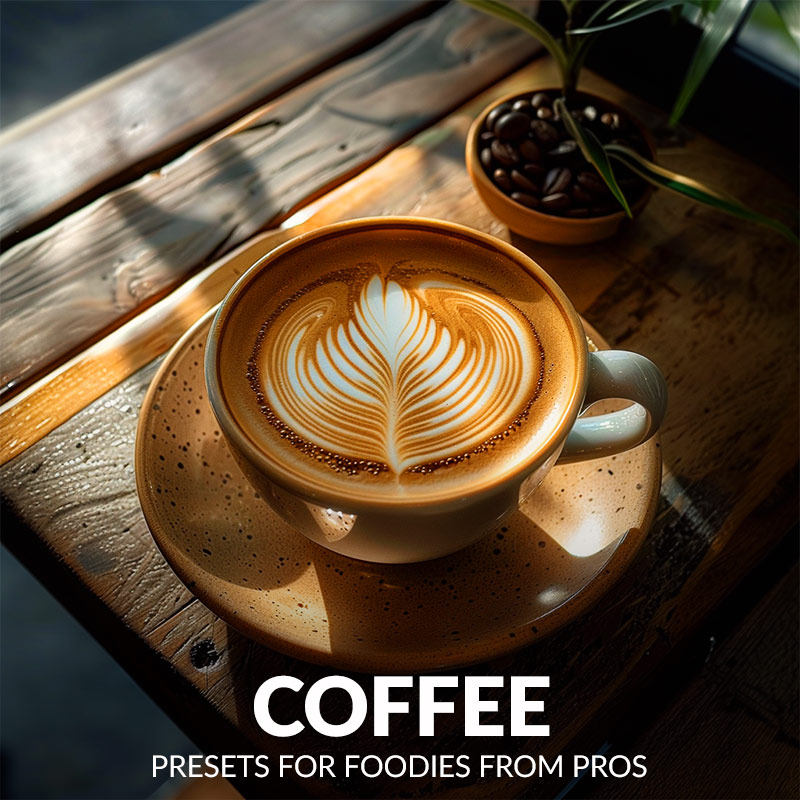
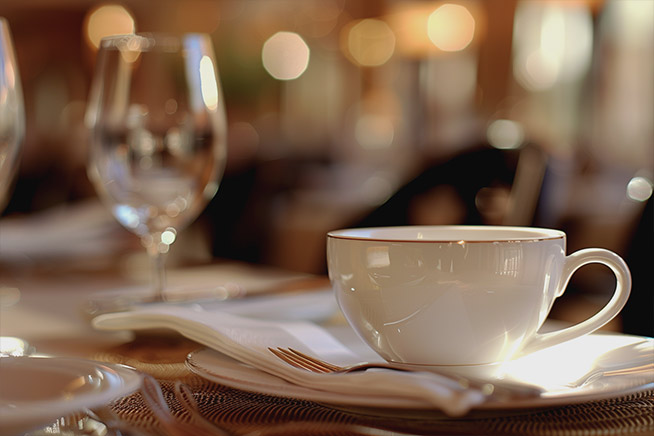
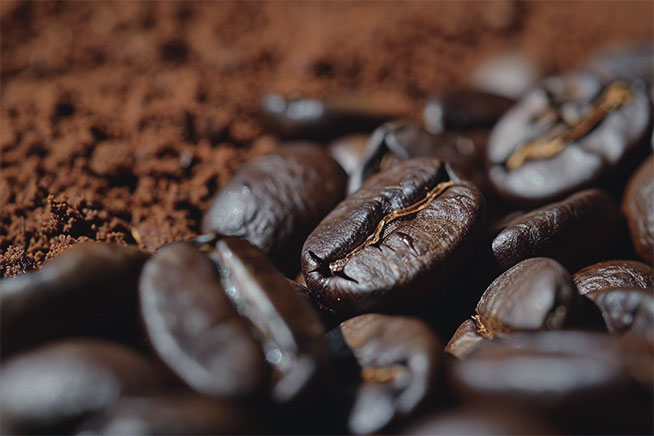
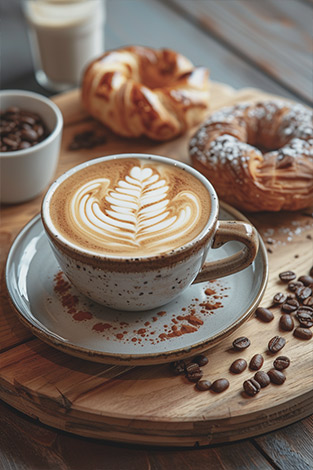
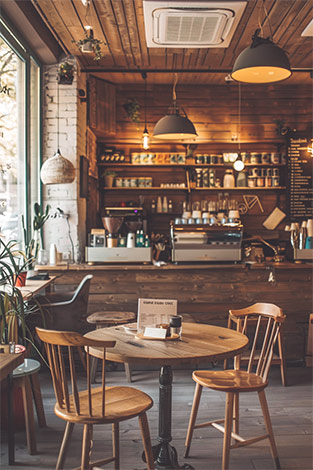
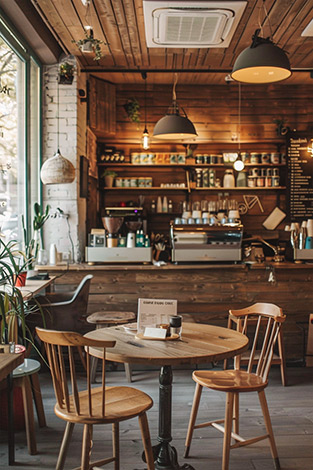
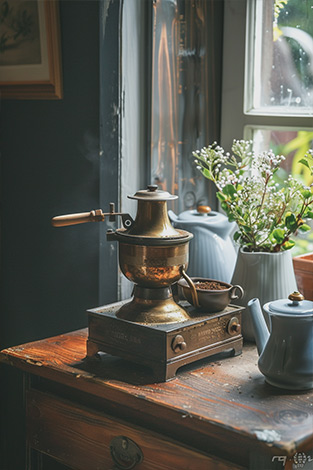
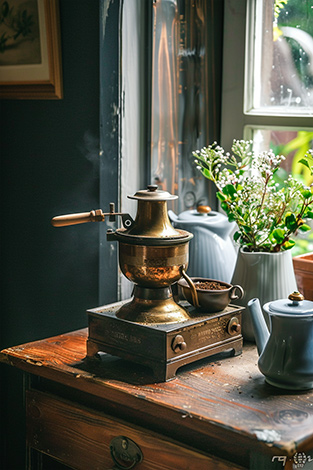
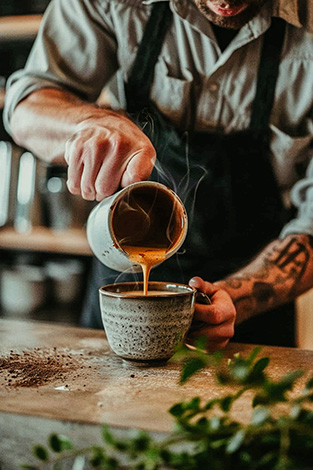
Capture the cozy feeling of your perfect cup. Our Coffee Preset for Lightroom enhance the rich browns and warm tones that make your coffee photos feel inviting. Showcase your coffee creations in their best light.
Download today!
✓ 27 Coffee Presets for Lightroom
✓ Professional Look with 1-Click
✓ Including Clean Edit Presets
✓ Easy to use – Beginner-friendly
✓ Create your own Signature Style
✓ Instant Digital Download
 For Desktop & Mobile
Edit coffee photos fast & easy
Coffee Presets for Lightroom
Whether you’re capturing morning rituals or cafe vibes, these presets infuse every image with a sense of comfort and joy. Showcase your coffee creations in their best light.
What's Included:
What’s Included
» 12 Coffee Presets
» 15 Clean Edit Presets
» 1x Instruction Guide (PDF)
» 12 DNG Files
» File formats: XMP, DNG
» Free Upgrades
Clean Edit Presets
Use the Clean Edit Presets to make basic adjustments and set the foundation for your image. They also speed-up your workflow and offer you endless style combinations.
 You receive this presets as digital download
immediately after purchase.
Compatible with:

Desktop
» Adobe® Lightroom® 7.5 or later
» Adobe® Camera Raw 10.5 or later
Mobile
» Adobe® Lightroom Mobile







How to Download & Install the Presets?
As soon as your payment went through, you receive the download link direct by email.
Just follow the easy instructions at How to install Lightroom Presets and start using them on your desktop or mobile device.
How to use Lightroom Presets?
- The Lightroom Coffee Presets are crafted by a professional photographer to enhance the visual appeal of various food photos. These presets are designed to complement a wide range of culinary images, ensuring a consistent and visually striking result.
- The Presets are seamlessly integrated into both the Desktop and Mobile App versions of Lightroom, offering ease of use. With the mobile app, you can also effortlessly edit and transform your food photographs into stunning visuals, even while on the go.
- To begin, capture your food photographs using a DSLR, mirrorless camera, point & shoot camera, or even your smartphone. Next, import the image into Lightroom and apply the desired preset. The process is straightforward and streamlined, allowing you to achieve professional-grade results with just a few clicks.
- It’s important to note that the final outcome of a preset may vary depending on the characteristics of the original photograph, such as white balance, exposure, tones, and settings.
- After applying a preset, you may find it necessary to make manual adjustments to fine-tune the result to your preferences. Lightroom offers a comprehensive set of sliders and tools, allowing you to tweak various aspects of the image until you achieve the desired outcome.
- In some instances, presets may inadvertently alter the skin tone of individuals captured in the photograph. In such cases, you can utilize Lightroom’s powerful color adjustment tools to refine the skin tone until it appears natural and flattering.
- For optimal results, it’s recommended to use presets on well-exposed, high-quality RAW & JPG photographs. Images that are overexposed, underexposed, or of poor quality may yield unsatisfactory results when presets are applied.
How to use the Clean Edit Presets?
With our Clean Edit Presets you can set the perfect foundation of your image by adjusting for example white balance, exposure, whites, tones, etc. Each clean edit preset changes only one value, without overwriting other adjustments and values.
Can the Presets used in Photoshop?
You can use the Presets in XMP format also in Adobe Photoshop
Installing Presets in Adobe Camera Raw (ACR) 10.3+ (Windows & Mac)
- Open your image in Adobe Photoshop.
- At the top menue click on Filter and select “Camera Raw Filter”.
- On the right you see the word “Basic” click the small burger next to it. Then, click “Load Settings”.
- Choose the .xmp file(s) from downloaded and unzipped folder. Then click on “Load” button.
- To apply a preset, click on OK button.
Do you have Tips for the Coffee Preset?
Tips & Tricks for Using Food Photo Filters
- One Click: Just apply the preset to your photo with a single click.
- Variety: Explore different presets to find the style you like best.
- Adjust if Needed: Don’t be afraid to tweak settings after applying the preset.
- Save Time: Presets help you edit coffee photos quickly and easily.
- Fun to Use: Enjoy enhancing your coffee pics without any hassle.
- Find Your Style: Experiment with different coffee presets to discover the look that best captures your coffee photos.
Do you have Coffee Photography Tips?
Tips & Tricks for Amazing Coffee Photos
- Natural Light: Take photos near windows or outside for the best lighting.
- Simple Backgrounds: Use plain backgrounds to make your coffee stand out.
- Composition: Arrange cups and props in appealing ways, like triangles or diagonals.
- Close-Up Shots: Capture details like foam or steam for an inviting feel.
- Experiment: Try different angles and settings to find what works best for your style.
- Play with Props: Add mugs, spoons, or pastries to tell a coffee story! Show the steam rising or the first sip.
- Find the Angle: Don’t just shoot straight on! Experiment from above, beside, or even get low for a dramatic shot.
- Focus on the Froth: Make that creamy layer a star! Get close and snap when it looks thick and fluffy.
How about License/Terms?
License Terms
The Presets are licensed for individual use only. Resale or redistribution is strictly prohibited. This non-transferable license is limited to the original purchaser and does not extend to companies or partnerships.
No Refunds
All sales of these digital products are final with no refunds, returns, or exchanges permitted due to their downloadable nature.
By purchasing, you agree to these terms.
Explore more of our delicious Lightroom Food Presets here.
2 reviews for Coffee Presets
Only logged in customers who have purchased this product may leave a review.
Related products
-29%

Original price was: $69.90.$49.90Current price is: $49.90.
-38%


Original price was: $79.90.$49.90Current price is: $49.90.
-53%


Original price was: $189.60.$89.90Current price is: $89.90.


$34.90


$34.90
-29%


Original price was: $69.90.$49.90Current price is: $49.90.
Rowan H (verified owner) –
I love how easy these presets are to use. They give my coffee photos that perfect, inviting look with just a few clicks.
Eliza M. (verified owner) –
The Coffee Presets are exactly what I needed to elevate my coffee photography. They bring out such cozy, warm vibes in every shot.