



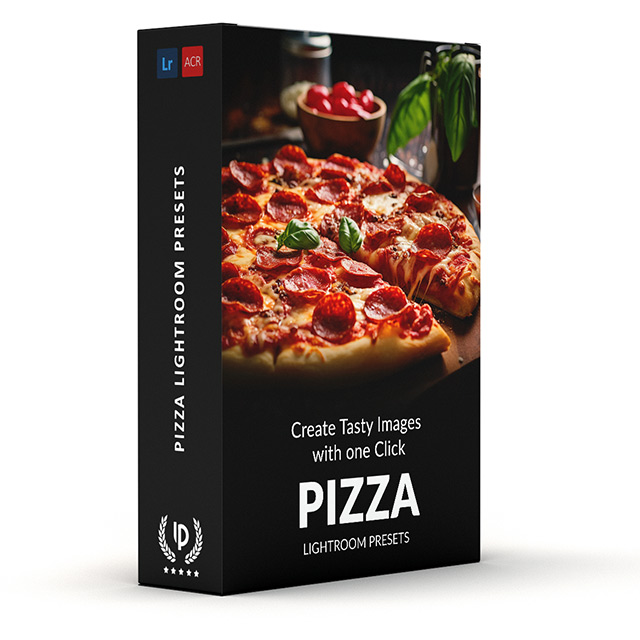


Pizza Presets
$34.90
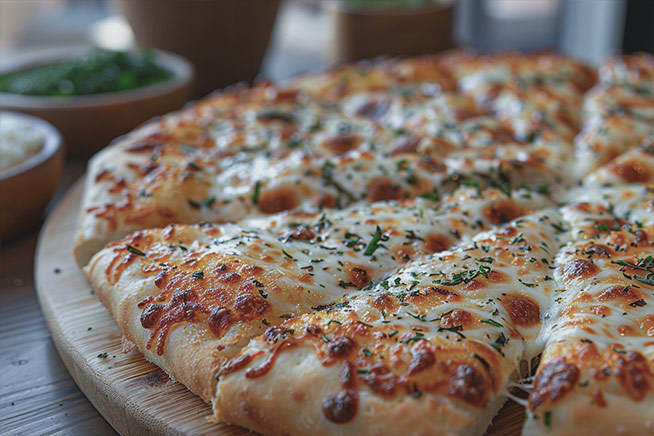
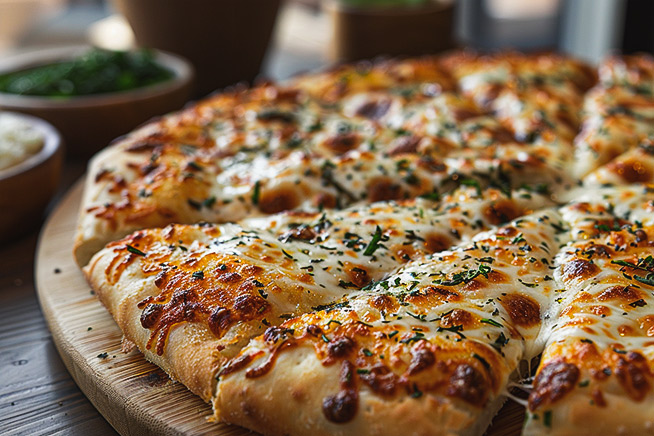
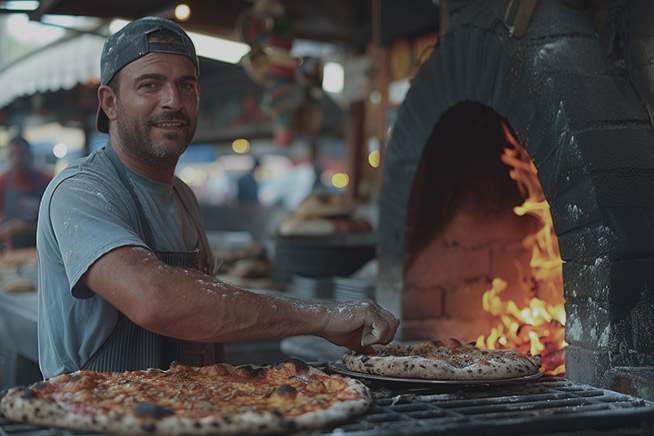
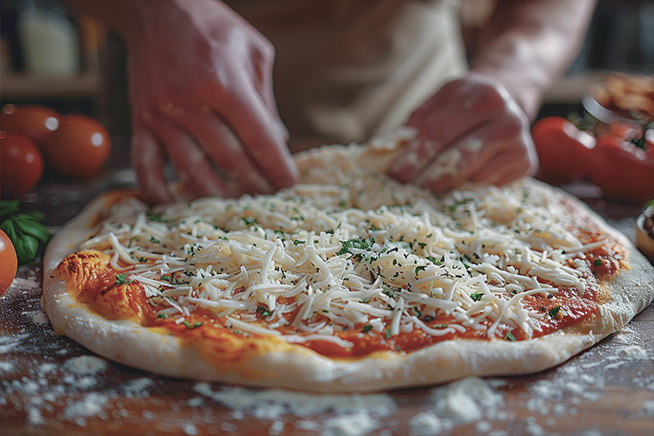
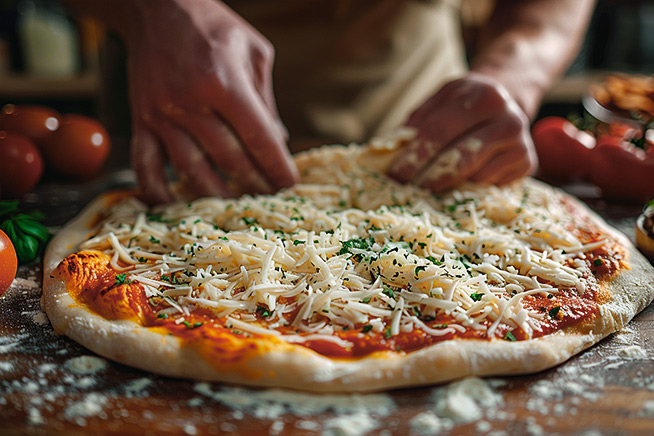
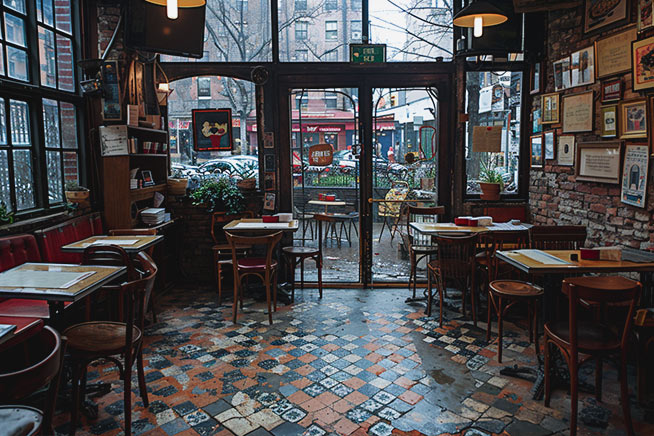
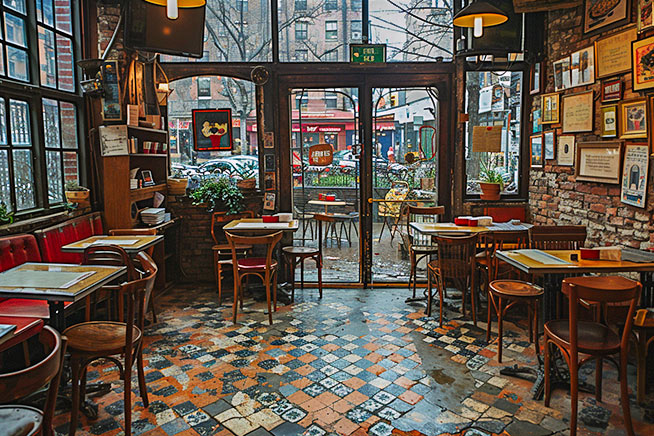
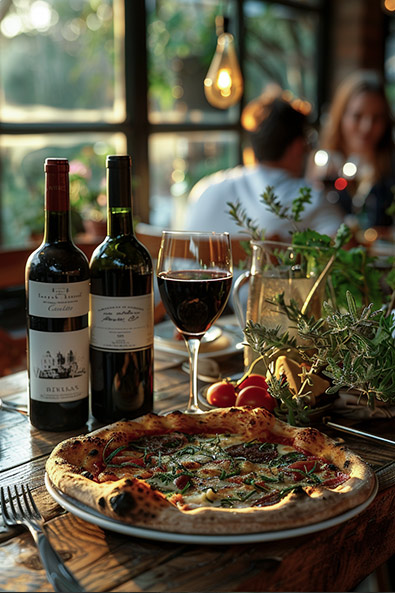
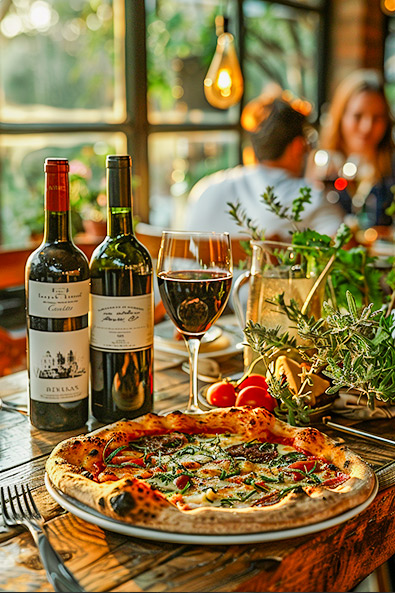
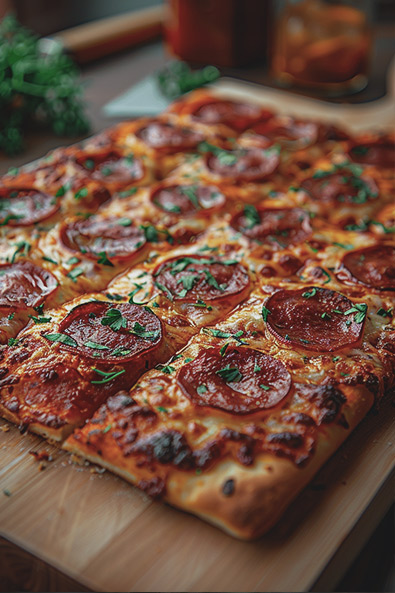
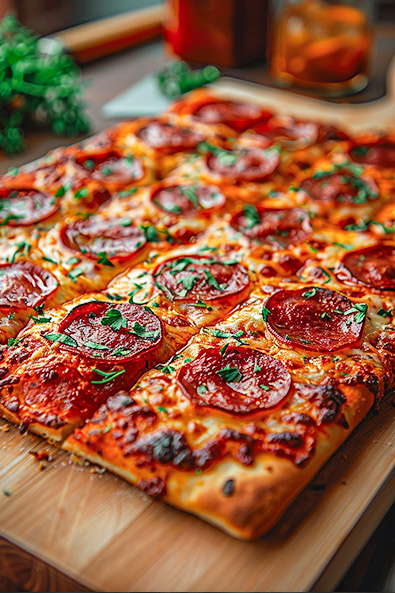
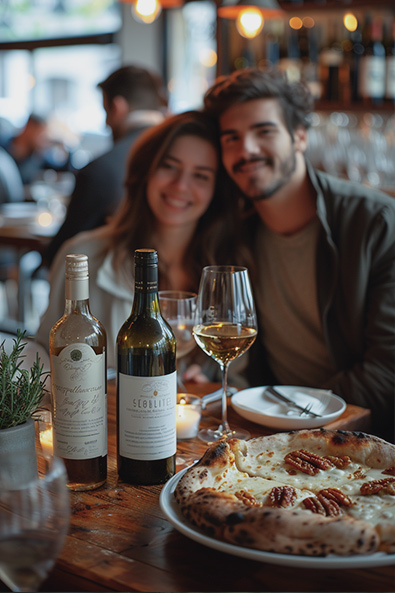
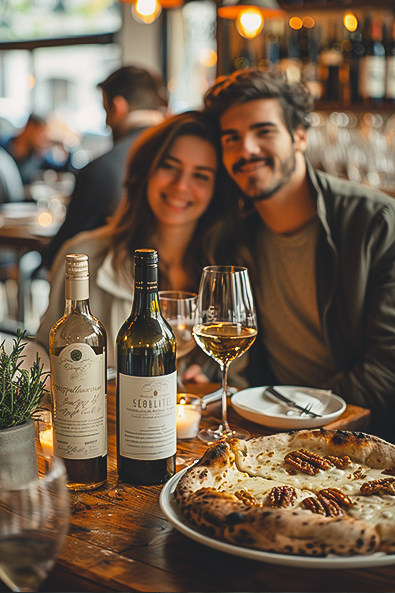
Say goodbye to bland Pizza Photos. Our Pizza Presets for Lightroom are like magic filters for your cheesy masterpieces! Make the crust golden brown, toppings pop with color, and get that mouthwatering look instantly.
Download now & spend less time editing!
✓ 27 Pizza Presets for Lightroom
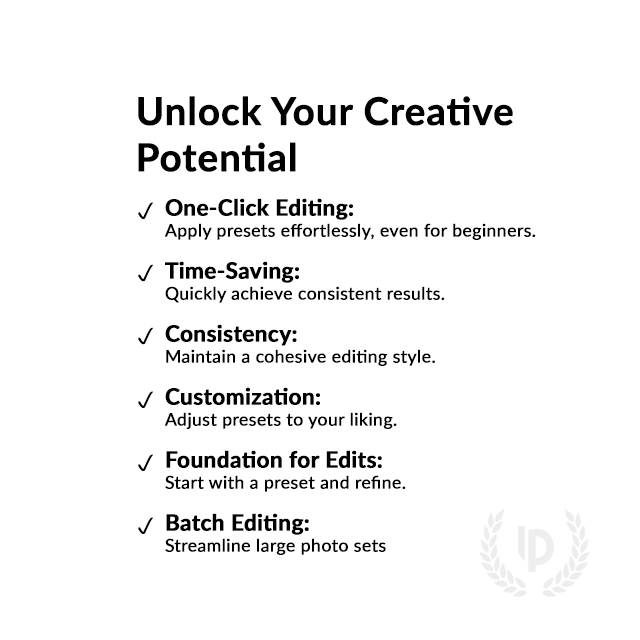
✓ Professional Look with 1-Click
✓ Including Clean Edit Presets
✓ Easy to use – Beginner-friendly
✓ Create your own Signature Style
✓ Instant Digital Download
 For Desktop & Mobile
Pizza Photo Perfection in a Click.
Turn Ordinary Pizzas into Extraordinary Photos!
Transport yourself to Italy with every photo using our Pizza Presets. With just one click, turn your pizza pics into culinary masterpieces that evoke cravings and memories. Download today!
What's Included:
What’s Included
» 7 Pizza Presets
» 20 Clean Edit Presets
» 1x Instruction Guide (PDF)
» 7 DNG Files
» File formats: XMP, DNG
» Free Upgrades
Clean Edit Presets
Use the Clean Edit Presets to make basic adjustments and set the foundation for your image. They also speed-up your workflow and offer you endless style combinations.
 You receive this presets as digital download
immediately after purchase.
Compatible with:

Desktop
» Adobe® Lightroom® 7.5 or later
» Adobe® Camera Raw 10.5 or later
Mobile
» Adobe® Lightroom Mobile

How to Download & Install the Presets?
As soon as your payment went through, you receive the download link direct by email.
Just follow the easy instructions at How to install Lightroom Presets and start using them on your desktop or mobile device.
How to use Lightroom Presets?
- The Lightroom Pizza Presets are crafted by a professional photographer to enhance the visual appeal of various food photos. These presets are designed to complement a wide range of culinary images, ensuring a consistent and visually striking result.
- The Presets are seamlessly integrated into both the Desktop and Mobile App versions of Lightroom, offering ease of use. With the mobile app, you can also effortlessly edit and transform your food photographs into stunning visuals, even while on the go.
- To begin, capture your food photographs using a DSLR, mirrorless camera, point & shoot camera, or even your smartphone. Next, import the image into Lightroom and apply the desired preset. The process is straightforward and streamlined, allowing you to achieve professional-grade results with just a few clicks.
- It’s important to note that the final outcome of a preset may vary depending on the characteristics of the original photograph, such as white balance, exposure, tones, and settings.
- After applying a preset, you may find it necessary to make manual adjustments to fine-tune the result to your preferences. Lightroom offers a comprehensive set of sliders and tools, allowing you to tweak various aspects of the image until you achieve the desired outcome.
- In some instances, presets may inadvertently alter the skin tone of individuals captured in the photograph. In such cases, you can utilize Lightroom’s powerful color adjustment tools to refine the skin tone until it appears natural and flattering.
- For optimal results, it’s recommended to use presets on well-exposed, high-quality RAW & JPG photographs. Images that are overexposed, underexposed, or of poor quality may yield unsatisfactory results when presets are applied.
How to use the Clean Edit Presets?
With our Clean Edit Presets you can set the perfect foundation of your image by adjusting for example white balance, exposure, whites, tones, etc. Each clean edit preset changes only one value, without overwriting other adjustments and values.
Can the Presets used in Photoshop?
You can use the Presets in XMP format also in Adobe Photoshop
Installing Presets in Adobe Camera Raw (ACR) 10.3+ (Windows & Mac)
- Open your image in Adobe Photoshop.
- At the top menue click on Filter and select “Camera Raw Filter”.
- On the right you see the word “Basic” click the small burger next to it. Then, click “Load Settings”.
- Choose the .xmp file(s) from downloaded and unzipped folder. Then click on “Load” button.
- To apply a preset, click on OK button.
Do you have Tips for the Pizza Preset?
Tips & Tricks for Using Pizza Photo Filters
- Try Different Presets: Explore various presets to find your favorite style.
Adjust as Needed: Don’t hesitate to tweak settings after applying a pizza preset. - Save Time Editing: Presets make editing pizza photos quick and easy.
Enhance Flavors: Choose presets that bring out the colors and textures of your pizza. - Enjoy the Process: Have fun experimenting with presets to create mouthwatering images.
- Keep it Natural: Avoid overly dramatic effects that might distract from the pizza.
- Share Your Creations: Show off your delicious pizza photos with friends and family!
Do you have Pizza Photography Tips?
Tips & Tricks for Amazing Pizza Photos
- Lighting is key! Natural light is your friend. Open curtains or find a sunny spot for that perfect golden glow.
- Cheese Appeal: Get close-up shots of that melty cheese! Aim for thick, gooey goodness in focus.
- Background Buzz: Choose a simple background that won’t steal the show. Think clean counters or solid colors.
- Slice of Life: Show off the variety! Capture different toppings, crust styles, and even a slice being pulled away.
- Find Your Angle: Don’t just shoot straight on! Experiment from above, beside, or even get low for a dramatic close-up.
- Freshness Matters: Capture pizzas when they’re hot and fresh for the most appetizing photos.
- Balance Ingredients: Arrange toppings evenly to create a visually pleasing composition.
- Experiment with Props: Add complementary items like herbs or utensils to enhance the scene.
How about License/Terms?
License Terms
The Presets are licensed for individual use only. Resale or redistribution is strictly prohibited. This non-transferable license is limited to the original purchaser and does not extend to companies or partnerships.
No Refunds
All sales of these digital products are final with no refunds, returns, or exchanges permitted due to their downloadable nature.
By purchasing, you agree to these terms.
Explore more of our delicious Lightroom Food Presets here.
2 reviews for Pizza Presets
Only logged in customers who have purchased this product may leave a review.
Related products
-53%


Original price was: $189.60.$89.90Current price is: $89.90.


$34.90
-29%


Original price was: $69.90.$49.90Current price is: $49.90.


$39.90
-29%

Original price was: $69.90.$49.90Current price is: $49.90.
-38%


Original price was: $79.90.$49.90Current price is: $49.90.
Luca R. (verified owner) –
Perfect for Pizza Pics, these presets made my pizza photos look mouthwatering! They brought out the rich colors and textures perfectly.
Marco D. (verified owner) –
I was blown away by how these presets made my pizza shots pop!