


-57%
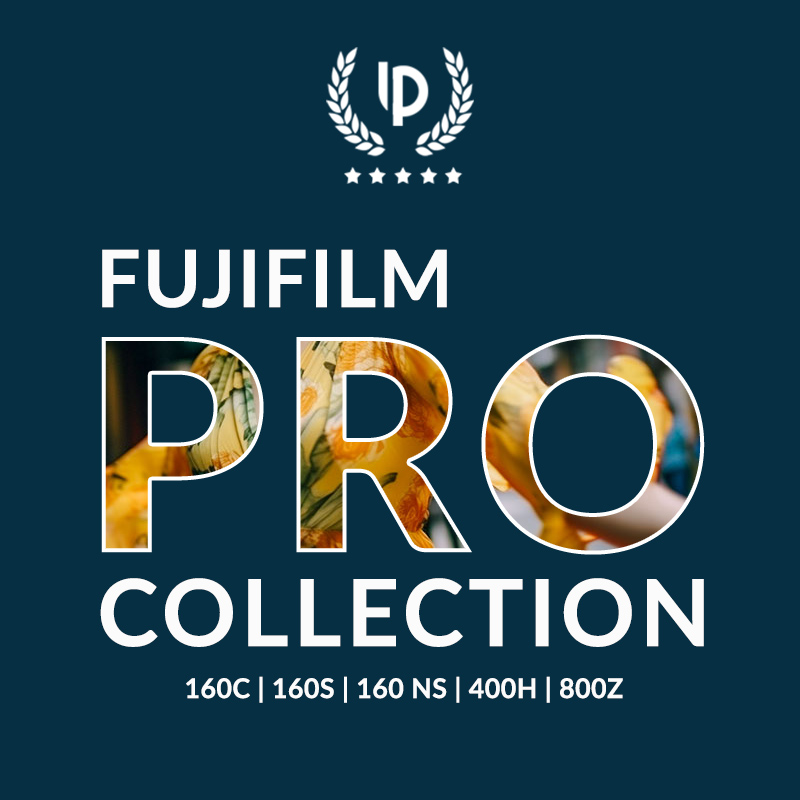




Fujifilm PRO Presets Collection
Original price was: $139.60.$59.90Current price is: $59.90.
Achieve iconic Fuji PRO looks in seconds! This collection includes 52 Fujicolor Pro 160C, Pro 160S, Pro 160NS, Pro 400H and Pro 800Z presets, designed to bring the classic film look to your digital photos effortlessly.
Edit faster, achieve more. Get it now.
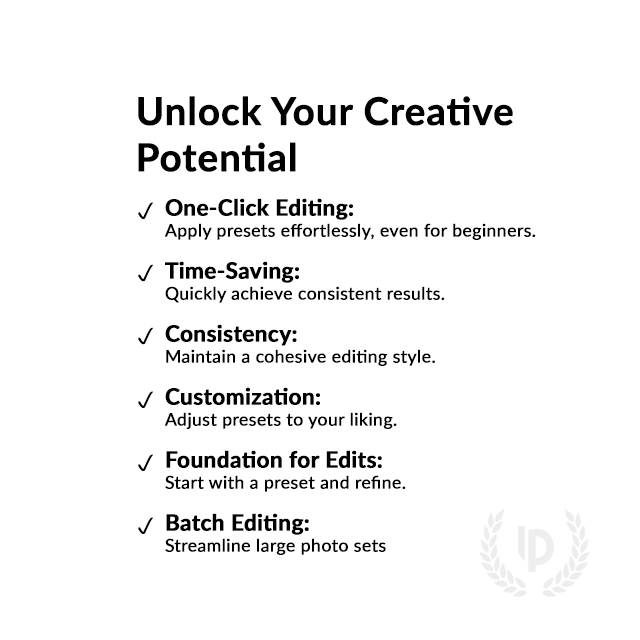
✓ 52 Fujicolor Pro Presets
✓ Bundle of 5 Presets
✓ Fujifilm Look with 1-Click
✓ Easy to use – Beginner-friendly
✓ Instant Digital Download
 For Desktop & Mobile
Special Offer Bundle
save BIG
Stand Out. Get Fujifilm PRO Presets. Vibrant Colors, Easy Edits.
“These Fujifilm Pro Film presets are incredible. They make my photos look just like real film, and it’s so easy to use!” – John K., Pro Editor
Fujifilm PRO Film Presets for Lightroom
Perfect for professionals and enthusiasts, these presets deliver stunning, film-like tones and vibrant colors with just one click. Transform your images and save time on editing. Download your bundle today and start creating timeless photos!
What's Included:
What’s Included
» 7 Fuji Pro 160C Presets
» 7 Fuji Pro 160S Presets
» 7 Fuji Pro 160NS Presets
» 7 Fuji Pro 400H Presets
» 8 Fuji Pro 800Z Presets
» 16 Clean Edit Presets
» 1x Instruction Guide (PDF)
» File formats: XMP, DNG
» 28 DNG Files
» Free Upgrades
Clean Edit Presets
Use the Clean Edit Presets to make basic adjustments and set the foundation for your image. They also speed-up your workflow and offer you endless style combinations.
 You receive this presets as digital download
immediately after purchase.
Compatible with:
Desktop
» Adobe® Lightroom® 7.5 or later
» Adobe® Camera Raw 10.5 or later
Mobile
» Adobe® Lightroom Mobile
» Android & iPhone
Fuji Pro Preset Collection:


1. Fujicolor Pro 160C
Recreate the rich, vivid colors and fine grain of Fujifilm Pro 160C film with this preset. Perfect for all kinds of photography, it adds a professional touch to your images effortlessly.
You can buy just only this preset for $34,90 here.


2. Fujicolor Pro 160S
Achieve the vibrant and true-to-life colors of Fujifilm Pro 160S film with this preset. Perfect for fashion and lifestyle photographers, it ensures natural skin tones and stunning detail, giving your images a polished, professional look.
You can buy just only this preset for $34,90 here.


3. Fujicolor Pro 160NS
The Fujifilm Pro 160NS preset delivers the vibrant colors and punchy tones of this professional-grade film, perfect for eye-catching portraits and editorial work.
You can buy just only this preset for $34,90 here.


4. Fujicolor Pro 400H
Capture the soft, pastel tones and subtle grain of the beloved Fujifilm Pro 400H film with this preset. Perfect for wedding and portrait photos with a timeless look.
You can buy just only this preset for $34,90 here.


5. Fujicolor Pro 800Z
Get the versatility of Fujifilm Pro 800Z film with this preset. To create professional-quality images with an effortless, film-inspired aesthetic.
You can buy just only this preset for $34,90 here.


How to Download & Install the Presets?
As soon as your payment went through, you receive the download link direct by email.
Just follow the easy instructions at How to install Lightroom Presets and start using them on your desktop or mobile device.
How to use Lightroom Presets?
- The Fujifilm PRO Film Filters for Lightroom are crafted by professionals to enhance the visual look of photos. These Fuji presets are designed to complement a wide range of images, ensuring consistent results.
- The Presets are available for the the Desktop and Mobile App versions of Lightroom. The mobile app for Android and iPhone offers you nearly the same features like the desktop version to edit and transform your photos on the go.
- You can capture your photos using a DSLR, mirrorless camera, point & shoot camera, or even your smartphone. Import the image into Lightroom and apply the desired preset. This straightforward process allows you to achieve professional results with just a few clicks.
- Please note that the final outcome of a preset can vary depending on the characteristics of the original photograph, such as white balance, exposure, tones, and settings.
- After applying a preset, you can start to make manual adjustments to fine-tune the image to your liking. Lightroom offers a large set of sliders and tools, allowing you to tweak many aspects of the image until you achieve the desired outcome.
- In some instances, a preset may alter the skin tone of persons captured in the photograph. In this cases, utilize Lightroom’s powerful color adjustment tools to refine the skin tone until it appears natural and flattering.
- For optimal results, it’s recommended to use presets on well-exposed, high-quality RAW & JPG photographs. Images that are overexposed, underexposed, or of poor quality may yield unsatisfactory results when presets are applied.
How to use the Clean Edit Presets?
With our Clean Edit Presets you can set the perfect foundation of your image by adjusting for example white balance, exposure, whites, tones, etc. Each clean edit preset changes only one value, without overwriting other adjustments and values.
Can the Presets used in Photoshop?
You can use the Presets in XMP format also in Adobe Photoshop
Installing Presets in Adobe Camera Raw (ACR) 10.3+ (Windows & Mac)
- Open your image in Adobe Photoshop.
- At the top menue click on Filter and select “Camera Raw Filter”.
- On the right you see the word “Basic” click the small burger next to it. Then, click “Load Settings”.
- Choose the .xmp file(s) from downloaded and unzipped folder. Then click on “Load” button.
- To apply a preset, click on OK button.
Why was the Fujifilm PRO Film Series so Special?
The Fujifilm Pro Film series, encompassing Pro 160S, Pro 400H, Pro 160NS, Pro 160C and Pro 800Z, stands out for its exceptional image quality and versatility.
It caters to diverse photographic styles and preferences, offering natural colors, subtle tonality, or vibrant hues.
With consistent results and exceptional detail, the Pro Film series has earned a cherished place in the world of film photography.
- Rich colors and smooth tones: Fujifilm films were known for their exceptional color reproduction, delivering vibrant yet natural-looking hues. They also excelled in capturing smooth tonal transitions, avoiding harsh contrasts and creating a pleasing visual experience.
- Unique film stocks: The Pro series offered a variety of film stocks catering to different needs. Pro 400H was a versatile film with warm tones, ideal for portraits and landscapes. Pro 160NS pushed vibrant colors, perfect for impactful visuals. Pro 160C offered a cooler aesthetic, suited for fashion and architectural photography.
- Fine grain: Even at higher ISOs (film speed), Fujifilm Pro films exhibited finer grain compared to competitors. This resulted in sharper details and cleaner images, especially beneficial for professional photographers who needed to enlarge prints.
- Consistent quality: Photographers praised Fujifilm Pro films for their reliability and consistent performance. They could trust the film to deliver exceptional results across various lighting conditions and shooting situations.
Do you have Tips for the Presets?
Tips & Tricks for Fujifilm PRO Film Presets
- Find Your Base: Start by applying a base preset that generally fits the mood of your image. Consider Pro 400H for warmth, Pro 160NS for vibrancy, or Pro 160C for coolness.
- Fine-Tune the Exposure: Presets are a starting point, not a finish line. Adjust exposure to match the specific lighting in your photo.
- Balance the White Balance: Even with presets, white balance might need tweaking. Use the white balance tool to achieve natural or creative color casts.
- Local Adjustments for Precision: Utilize the brush tool to selectively apply adjustments. Dodge for brighter areas, burn for darker areas, and refine details.
- Sharpen for Crispness: Presets may not always add the perfect amount of sharpening. Use the sharpening tool to enhance detail, especially in portraits and landscapes.
- Noise Reduction for Clarity: High ISO photos might benefit from noise reduction. Use the noise reduction tool to minimize grain while preserving detail.
- Play with Color Grading: Explore the color grading panel to subtly adjust specific color tones. Achie a vintage look with cooler tones or enhance skin tones in portraits.
- Don’t go too Far: Remember, subtlety is key. Apply adjustments in moderation to maintain a natural look and avoid an overly stylized image.
- Develop Your Signature Style: As you experiment, discover how to personalize these presets. Combine elements from different presets or create your own variations to achieve your unique vision.
How about License/Terms?
License Terms
The Presets are licensed for individual use only. Resale or redistribution is strictly prohibited. This non-transferable license is limited to the original purchaser and does not extend to companies or partnerships.
No Refunds
All sales of these digital products are final with no refunds, returns, or exchanges permitted due to their downloadable nature.
By purchasing, you agree to these terms.
We have the largest selection of Film Presets Lightroom, give your images the famous Fuji film look and explore more Fuji Lightroom presets here.
6 reviews for Fujifilm PRO Presets Collection
Only logged in customers who have purchased this product may leave a review.
Related products


$34.90


$34.90


$34.90


$34.90


$34.90


$34.90
Leonardo H. (verified owner) –
The Fujifilm Pro Presets have transformed my editing process! They give my photos a gorgeous, professional look with minimal effort. I’m beyond impressed!
Amelia J. (verified owner) –
Film Quality in Every Shot! These presets are incredible! They capture the true essence of Fujifilm, bringing vibrant colors and perfect tones to every image. Highly recommend it to anyone wanting that polished, pro look.
Harper C. (verified owner) –
This elevated my Instagram Game – I’ve been looking for something to give my social media photos an extra pop, and the Fujifilm Pro Presets did exactly that. The colors are stunning, and the presets are super easy to use. My feed has never looked better!
Isabella R. (verified owner) –
I’m obsessed with the depth and richness these presets add to my images! Whether it’s portraits or landscapes, the Fujifilm Pro Presets make everything look professional and polished. A must-have for any photographer!
Fabian T. –
Amazing presets! So happy with this purchase. Does exactly what I wanted.
Violetta N. –
Brings back the feel of shooting with my old Fuji film camera. Great results with just one click.